
3D Printing Basics
I knew absolutely nothing about 3D printing a month ago. Yesterday I ordered a Bambu A1 combo, my first 3D printer.
I’m going to try to get my kids into it as part of a broader push toward encouraging fun through learning and creative building. First through just printing fun stuff, then eventually through 3D modeling.
I’m going to make them “earn it” since I decided to get it too late for Christmas but don’t want to wait too long…
Step 1: got them excited about it by showing them a bunch of examples of toys you can print from MakerWorld.
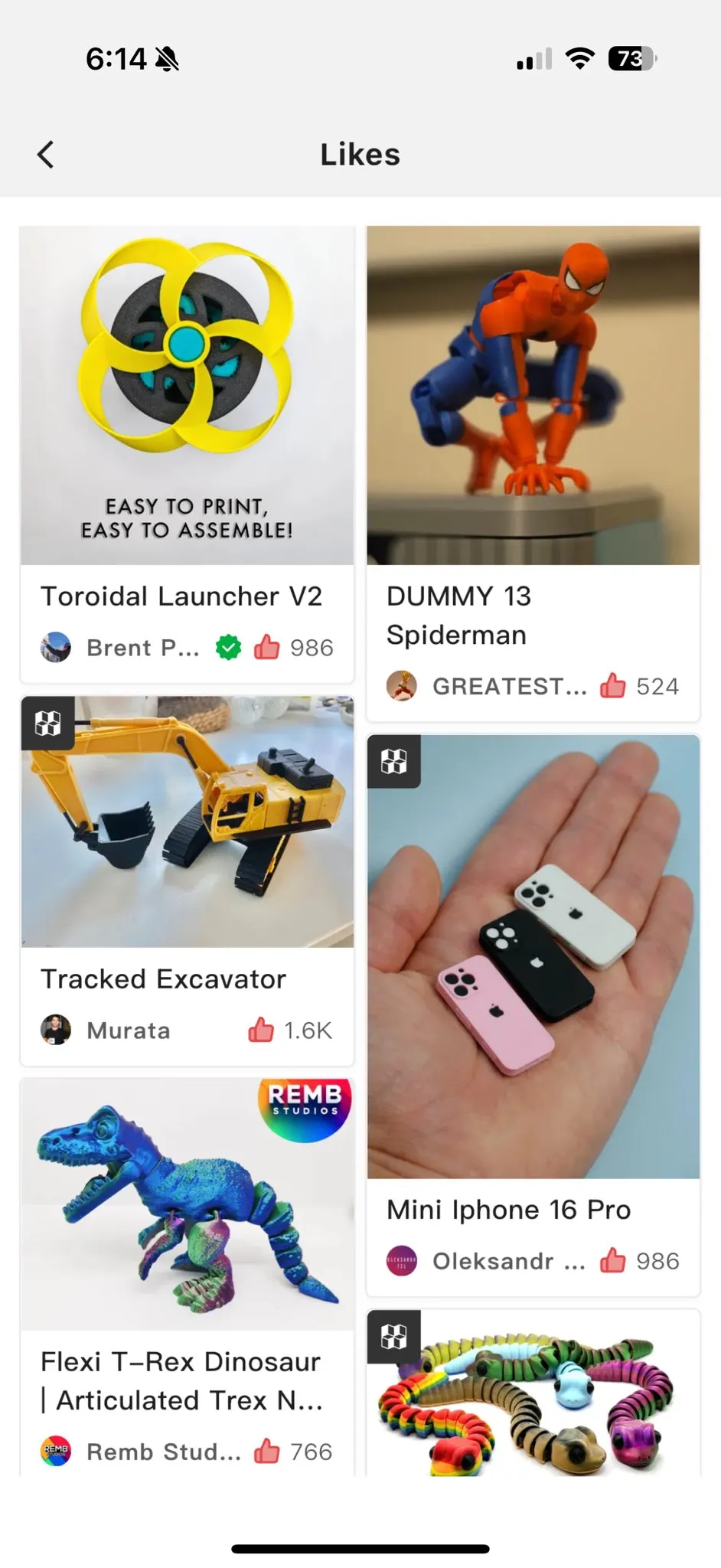
Step 2: gave them a “big challenge, big reward” - in this case, finishing an advanced math workbook (7yo) & getting to a certain spot in Mentava reading app (5yo) with a deadline.
Let’s see how it goes…
The basics I’ve learned so far
Here’s what I learned, enough to feel good about ordering one:
-
Brand: Bambu Lab. Their A1 or A1 Mini are considered the best to get started with since they’re good quality while also being very easy. (Their X1C would be an upgrade from there.)
-
Size: The A1 Mini is cheaper and is a good way to start, but if you want to be able to print a little bit bigger things, spend a bit extra for the A1. 7” cube vs 10” cube.
-
Combo: A1 or A1 Mini can print in multiple colors and different filament types, but if you buy the “combo” that includes the AMS Lite, you can do multicolor builds much more easily.
-
Filament: There are many different filament material types (PETG, ABS, etc.). But you’ll want to start with PLA. Other materials have different properties (like harder) but you quickly get into needing ventilation. Buy a few spools in different colors when you order (PLA Basic or PLA Matte).
-
Safety: I almost didn’t get one because of safety / air quality concerns and FL is too hot to put it in the garage. But sticking with PLA seems totally fine indoors, and I am putting a HEPA air purifier in that room to be extra safe. Also keep in mind there are extra considerations around things you print that touch food (not everything is food grade). And obv supervise kids near it, parts get hot.
-
Models: Download the “Bambu Handy” iOS app and you can browse a bunch of free 3D models that are just a couple taps away from printing, no creativity or 3D modeling required. There are other sites too: MakerWorld, Thingiverse, Printables.
-
Built-in models: The Bambu printers also come with some models loaded up and ready to print. Also some of the first things people print are accessories for the printer itself.
-
Kits: Bambu also sells “Maker’s Supplies” that provide all the parts (like magnets/screws/electronics) you can’t print yourself, for some great kits.
There are a lot more add-ons/accessories (different build plates, hot ends, special filament types) but none of those are necessary to get started!
I’m still a complete noob at it all, so what else should I know? Send any tips and ideas!
This was originally posted on X in December 2024, the day after I ordered my first 3D printer.