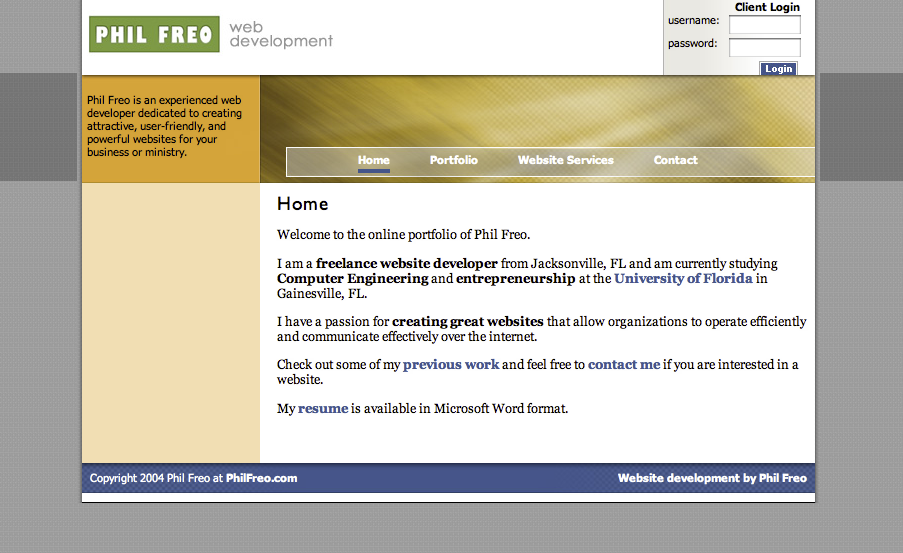
I setup my first personal webpage (philfreo.com) in 2004 when I was in high school. It’s had some server-side includes and a tiny amount of logic written in ASP. It looked like this:
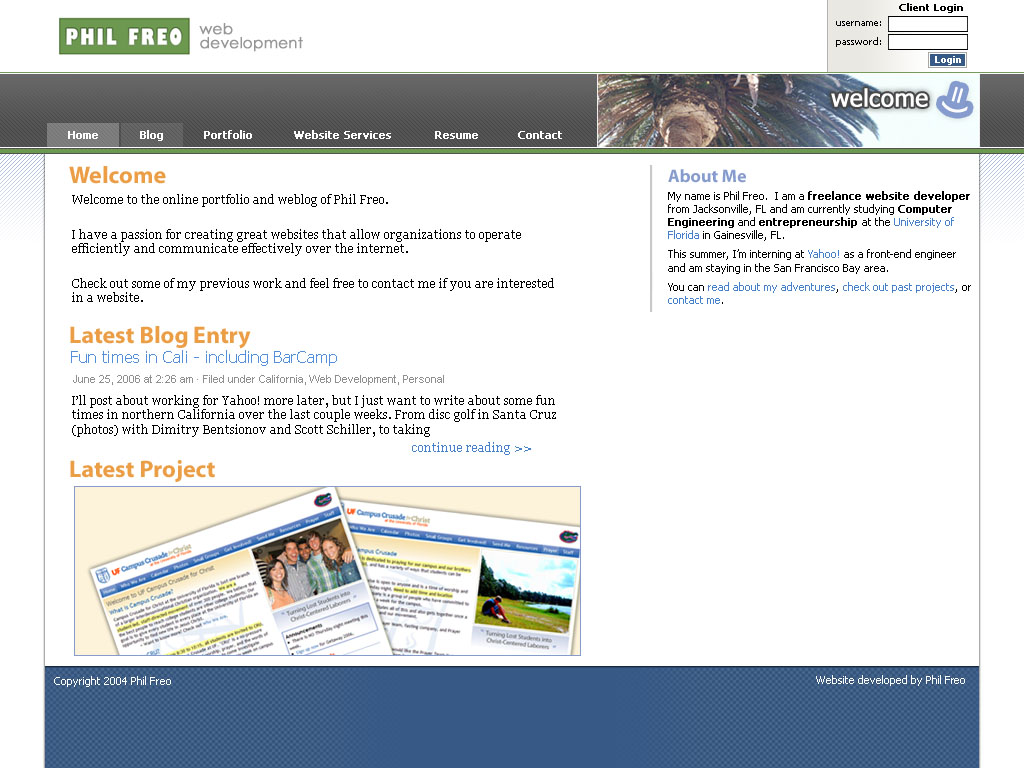
I redesigned it once in 2006 during my Yahoo! internship, and it looked like this:
And there my website sat from 2006 until 2012. That’s forever in internet years!
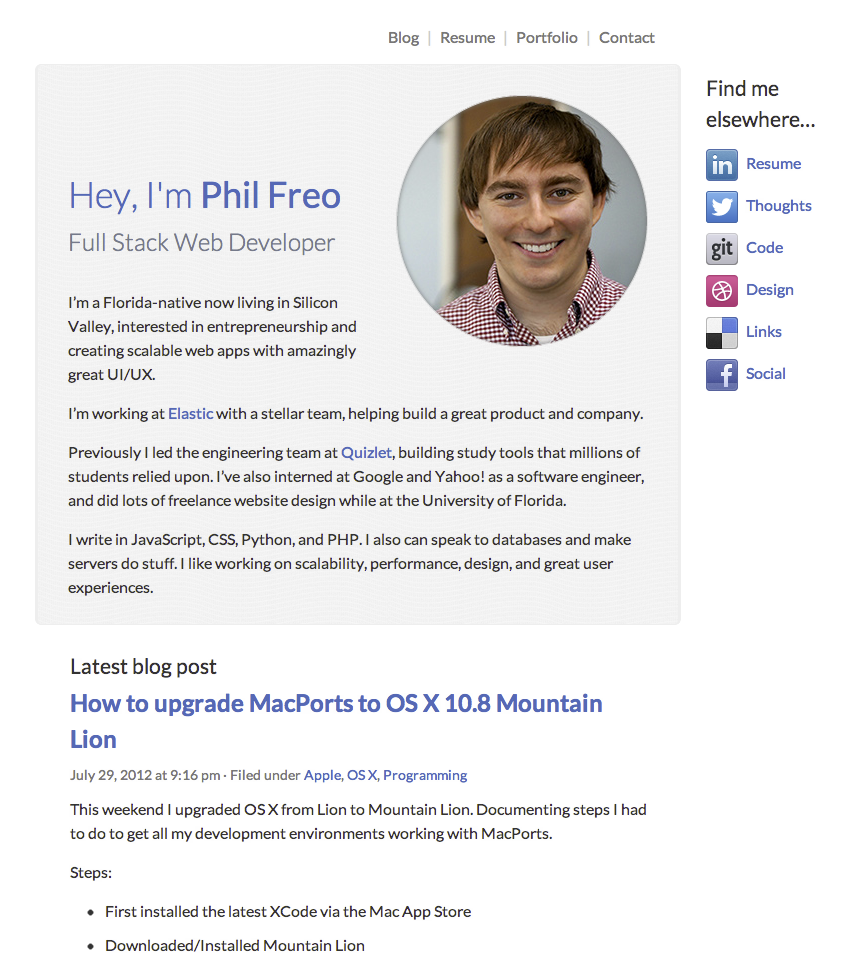
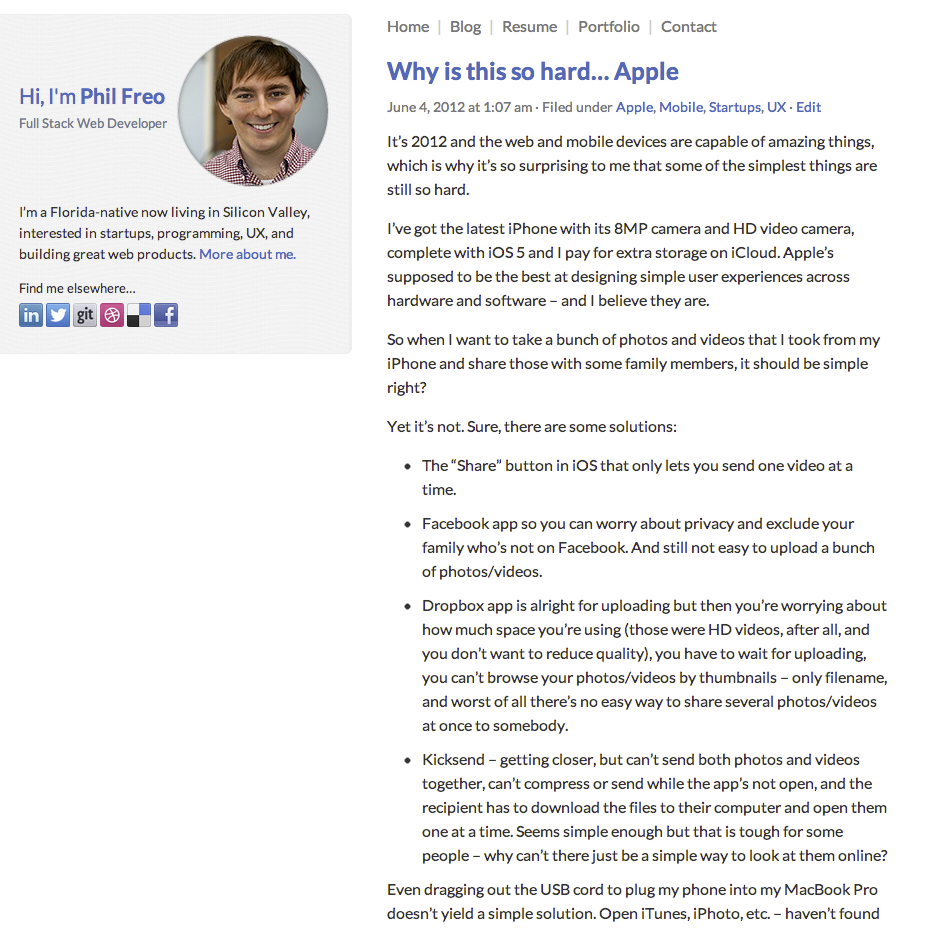
So here we are in the summer of 2012 – time for a redesign! Nothing too fancy, just clean up the styles to be more modern and representative of the current web. It should tell people about the 2012 Phil Freo rather than the high school or college version of me. It should no longer focused on my freelance website design (where I once dominated SEO for terms like “gainesville web design” and “jacksonville web design”) and now more focused on my work with startups, modern full-stack web development, and my blog.
You’re probably looking at the new site now, but for archival purposes, here are some screenshots:
This weekend I upgraded OS X from Lion to Mountain Lion. Documenting steps I had to do to get all my development environments working with MacPorts.
Steps:
First installed the latest XCode via the Mac App Store
Downloaded/Installed Mountain Lion
Launched XCode one to so I could agree to license, etc.
MacPorts also requires the XCode Command Line tools which are a separate install. Inside XCode preferences: “Instead, they can be installed optionally using the Components tab of the Downloads preferences panel as shown in” (source)
Had to run “sudo xcodebuild -license” after getting “Error: org.macports.build for port libunwind-headers returned: command execution failed”. Run this, scroll down, type agree.
sudo port selfupdate
sudo port upgrade outdated
Everything finished and worked properly except MongoDB. Currently there’s a bug and the easiest/best work around seems to be just manually installing the latest stable OS X version from http://www.mongodb.org/downloads and manually copying the binaries into /opt/local